
Aircall API Integration Explained, Bridging Voice and Data
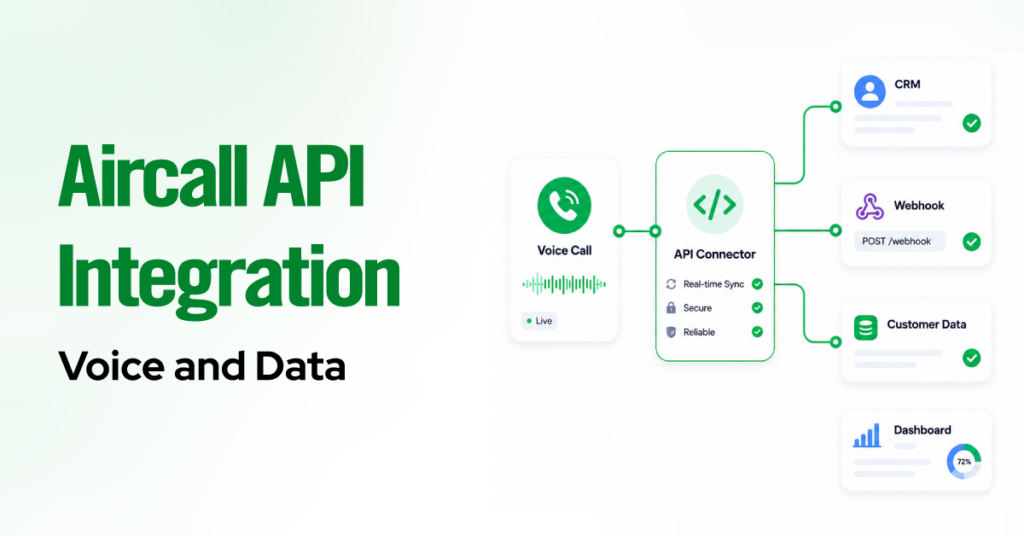
TL;DR Native connectors cover most teams. A one-click, admin-only install handles call logging, screen-pop, and field mapping for Salesforce, HubSpot, Pipedrive, Zoho, and 100+ tools. The Public API is a standard REST API rooted at api.aircall.io/v1, capped at 120 requests per minute per company, with a hard 10,000-item ceiling on Calls and Contacts. Two data […]
One-Way vs Two-Way Sync in Aircall CRM Integrations
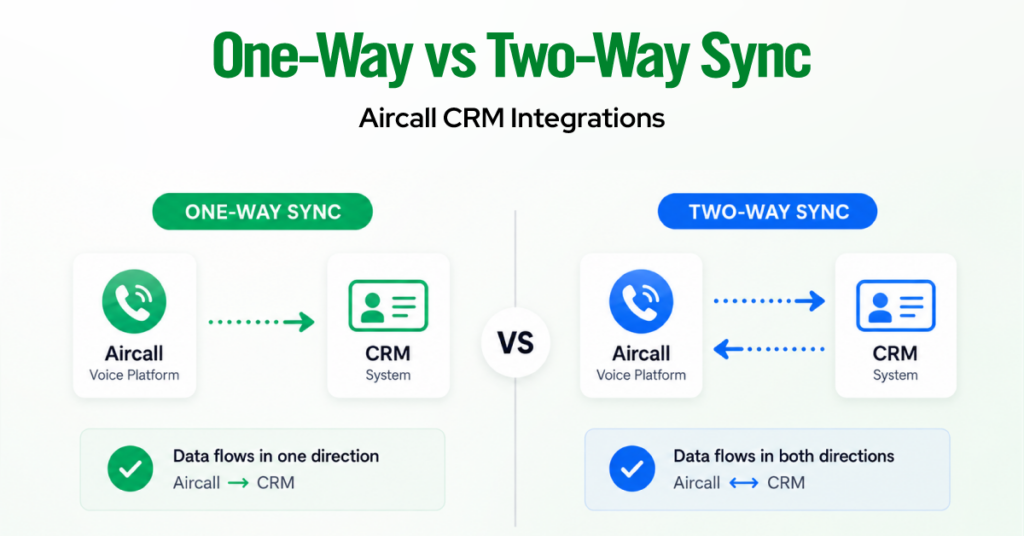
TL;DR Aircall has no single global sync toggle. Direction is set per data type, so one integration is usually one-way for some objects and two-way for others. Call activity, recordings, tags, notes, and SMS log one-way from Aircall into your CRM. This is by design and cannot be reversed. Native contact sync pulls CRM contacts […]
How to Configure Voicemail in Aircall Smartflows
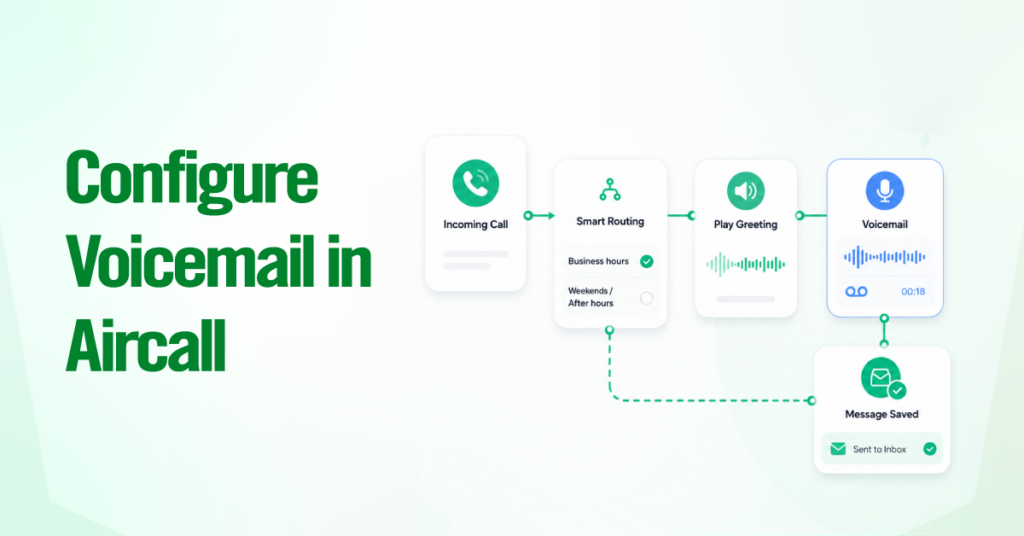
TL;DR In the current Smartflows editor, voicemail is a widget you drop onto a branch, not the simple on/off toggle you may remember from Classic Numbers. The Voicemail widget is a terminal step. Once a caller finishes recording, the call ends, and any widget placed afterward is ignored. The path to reach it runs Aircall […]
How to Build Zero-Friction Aircall Workflows for Inbound Teams
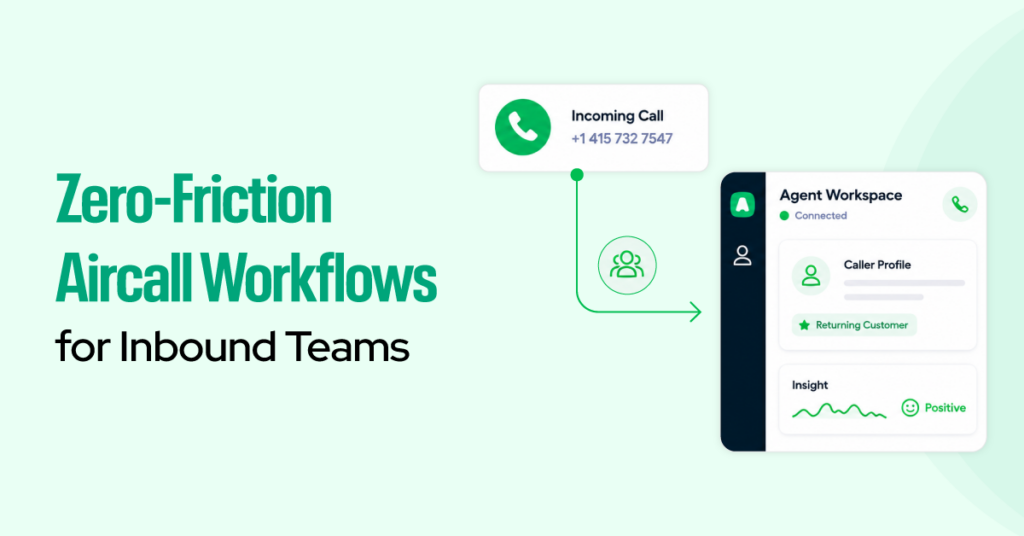
TL;DR Build Aircall inbound workflows in Smartflows, starting with a clear one-page call journey before setup. Use Time Rules, IVR, and Waiting Experience to route callers by business hours, intent, and queue status. Give agents context before they answer with Insight Cards connected to clean CRM data. Use After-Call Work to capture tags and notes […]
How Aircall Call Dispositions Improve Sales Forecasting Accuracy
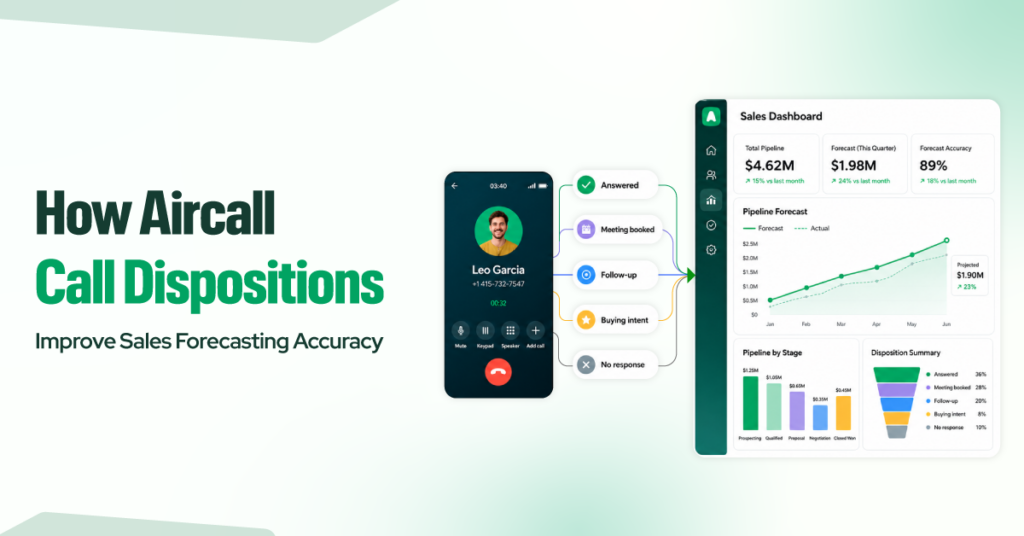
With Aircall call dispositions, sales teams can keep track of what actually happened on each call – whether a prospect answered, booked a meeting, asked for a follow-up, showed some buying intent, or essentially went cold. This makes forecasting easier because your pipeline reports are based on real call outcomes rather than guesswork. But […]
How Do Aircall Smartflows Work? A Step-by-Step Guide

How many potential customers does your business quietly lose to an awkward phone system before they ever reach a human? For years, changing how calls were routed meant filing a support ticket and waiting, with no visibility, no control, and no quick way to fix a broken menu. Callers who hit a dead end rarely […]
5 Aircall Workflows to Automate Lead Routing, Logging, and Follow-Up

Sales teams lose deals not because of a shortage of effort but because of how calls are handled after they end. Every time a rep manually logs a call, types up notes from memory, or tracks down the right person to hand off a lead to, momentum dies. Prospects go cold. Follow-ups slip. Pipeline numbers […]
How to Create an Aircall Calling Workflow That Actually Improves Team Performance

A calling workflow should do more than move calls from point A to point B. It should help sales reps respond faster, support agents work with more context, and managers coach with better data. For many teams, that is exactly where an Aircall setup starts to create real value. The difference is not just the […]
How to Build a Voicemail Follow-Up System Using Aircall + Zapier
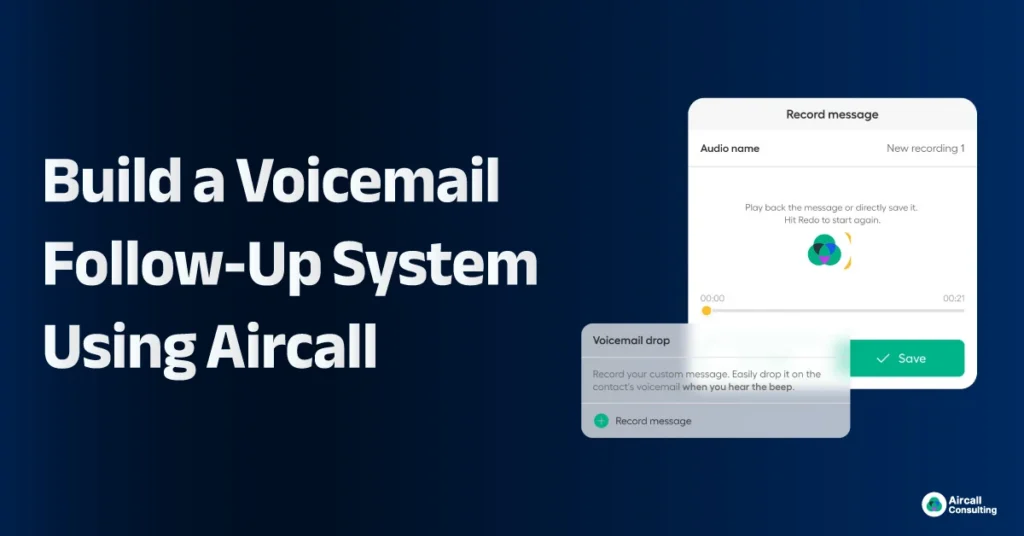
How to Build an Automated Voicemail Follow-Up System with Aircall and Zapier Outbound sales teams lose opportunities every day, not because prospects are uninterested, but because follow-up does not happen consistently. Industry data shows that nearly 80 percent of outbound sales calls go to voicemail, yet only a small portion of sales representatives follow up […]
How to Fix Aircall Data Doesn’t Match Your CRM?
Do your Aircall call logs and CRM reports constantly seem out of sync? You’re not imagining it. Data discrepancies between your VoIP system and CRM platform can lead to reporting gaps, missed follow-ups, and inaccurate performance metrics. Whether you’re using Salesforce, HubSpot, Zoho, or Pipedrive, these issues typically stem from improper syncing, inconsistent field mapping, […]