A lead calls your business and waits for help. The phone rings. You pick up. But it is the wrong team. The caller waits, then they hang up and contact another company.
Result ? You lose a lead, probably a sales.
The problem is not always Aircall. It’s often the setup that can be poor call routing, weak CRM sync, or slow follow-ups can turn a good phone system into a messy process. We will let you know who has the expertise to set this up properly and solve this problem.

What is Aircall Consulting?
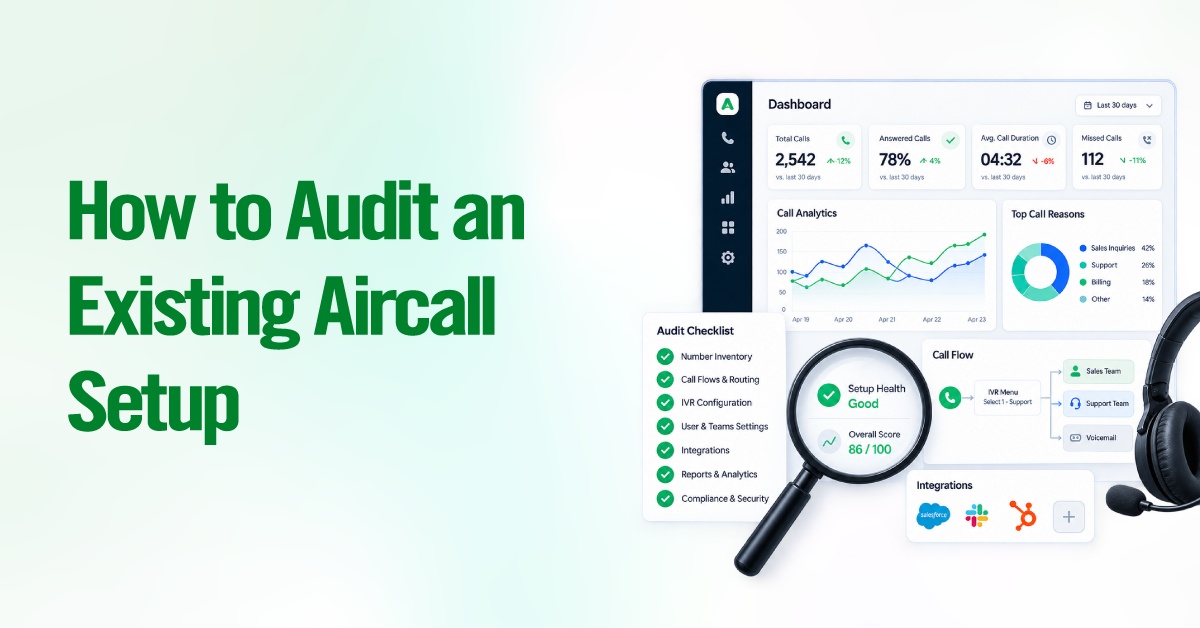
Aircall consulting is a service that configures, integrates, and optimizes your Aircall phone system for your actual business workflows. A consultant handles the technical setup, call routing, IVR menus, CRM sync, automation rules, and reporting, so your team starts with a system that works rather than a default configuration that needs significant adjustment.
The Complex Setup Challenges a Consultant Handles
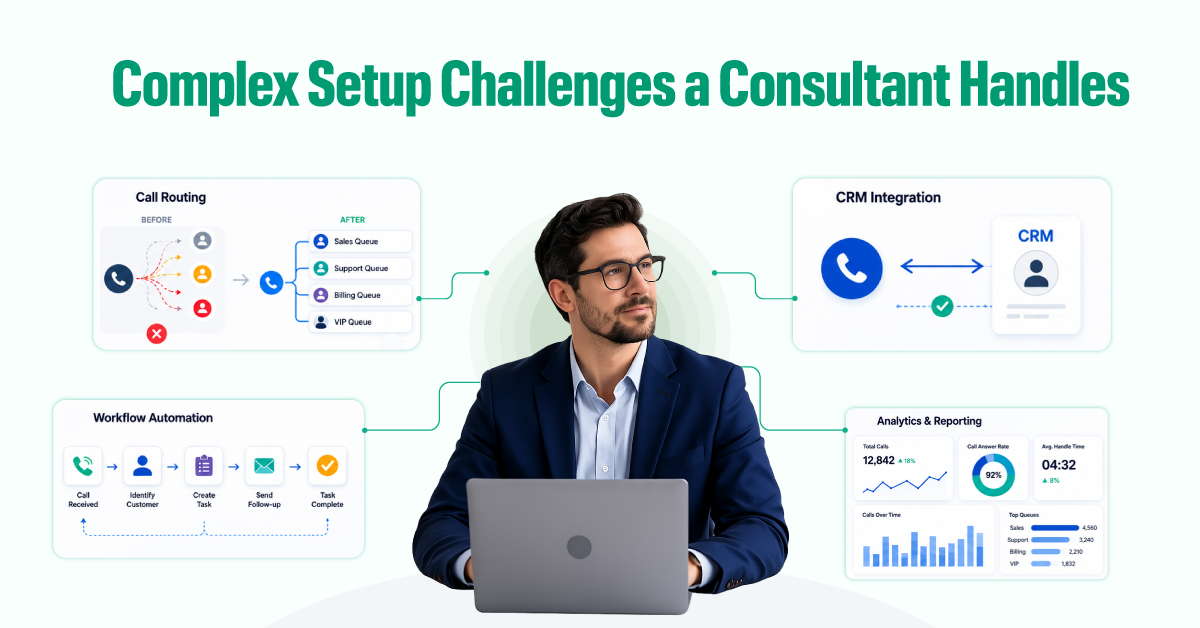
Poor Call Routing Setup
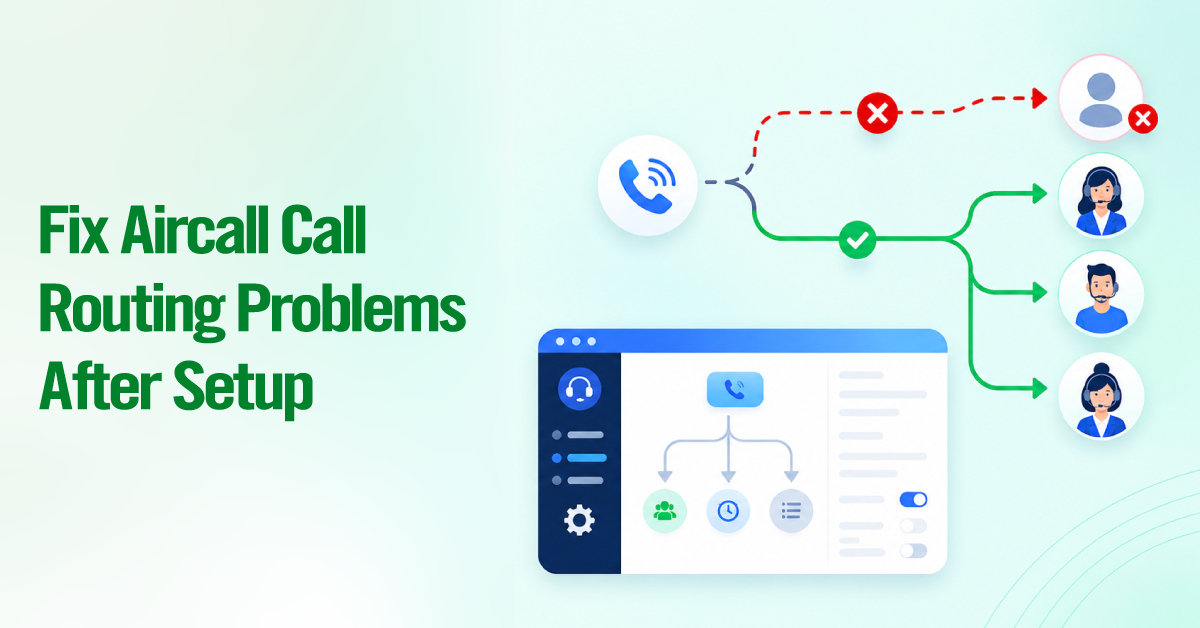
When calls land in the wrong queue, you lose leads. A prospect calling about enterprise pricing does not want to be answered by tier-one support. A client calling for billing help should not wait while sales tries to transfer them.
Effective call routing is not just about IVR menus, it is about understanding your team structure, your customer types, and your business hours, then building routing logic that handles every scenario. We map your call flow before building anything, so the configuration reflects how your business actually operates rather than what Aircall defaults to.
No CRM Integration or a Broken One
Without CRM integration, every call creates manual work. An agent answers, takes notes in a notepad, and then re-enters the information into the CRM after the call. That takes time and slows down the process. The notes get lost, contact records fall out of sync, and managers lose visibility into call activity at the deal level.
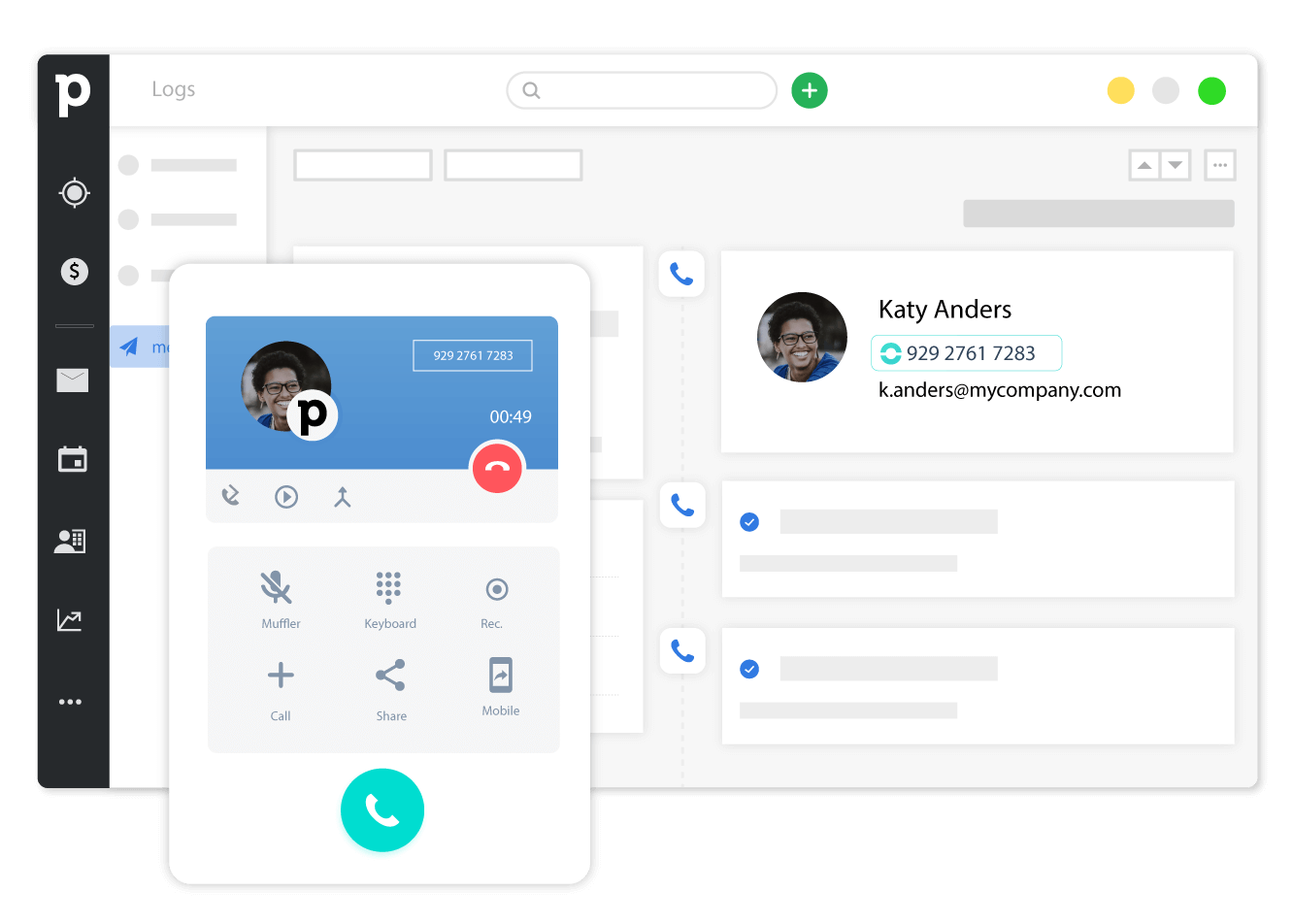
When Aircall is properly connected to your CRM (HubSpot, Salesforce, Pipedrive, or others), calls are logged automatically against the right contact. Agents see the previous call logs, notes and customer history appear on screen. No more lost data.
The setup process is just as important as the integration itself. If fields are mapped incorrectly between Aircall and your CRM, your crm stops syncing data without any obvious warning. We configure the integration, verify the data flow, and test edge cases before the system goes live.
Inefficient Sales and Support Workflows
A phone call should start a workflow, not end with manual follow-up. Without automation, agents spend time on manual tasks that cost the time. But a system handles everything automation: tagging calls, creating follow-up reminders, logging dispositions, and routing warm leads to the next step.
A consultant builds post-call automation that handles these steps based on call outcome. When a qualified lead gets tagged and it automatically moves to the next pipeline stage. If a missed call happens, this creates a callback task with the contact’s details. Also,the system can send follow up emails automatically. Instead of spending time updating records and managing tasks, your team can focus on customer conversations and closing deals.
Reporting That Does Not Tell You Anything Useful
You cannot fix what you cannot see. A call volume is not a business metric but its cost revenue. Knowing your team handled 200 calls last week does not tell you whether those calls generated pipeline, resolved cases, or missed opportunities that cost you revenue.
But a consultant configures the reporting dashboard that surfaces the metrics for your needs: connection rates, conversion rates by agent and team, missed call patterns, average handle time, calls by source, crm data, call activity correlates with deal progression. The goal is insight that leads to a decision, not a report that confirms your team is busy.
What to Expect: Deliverables from a Professional Implementation
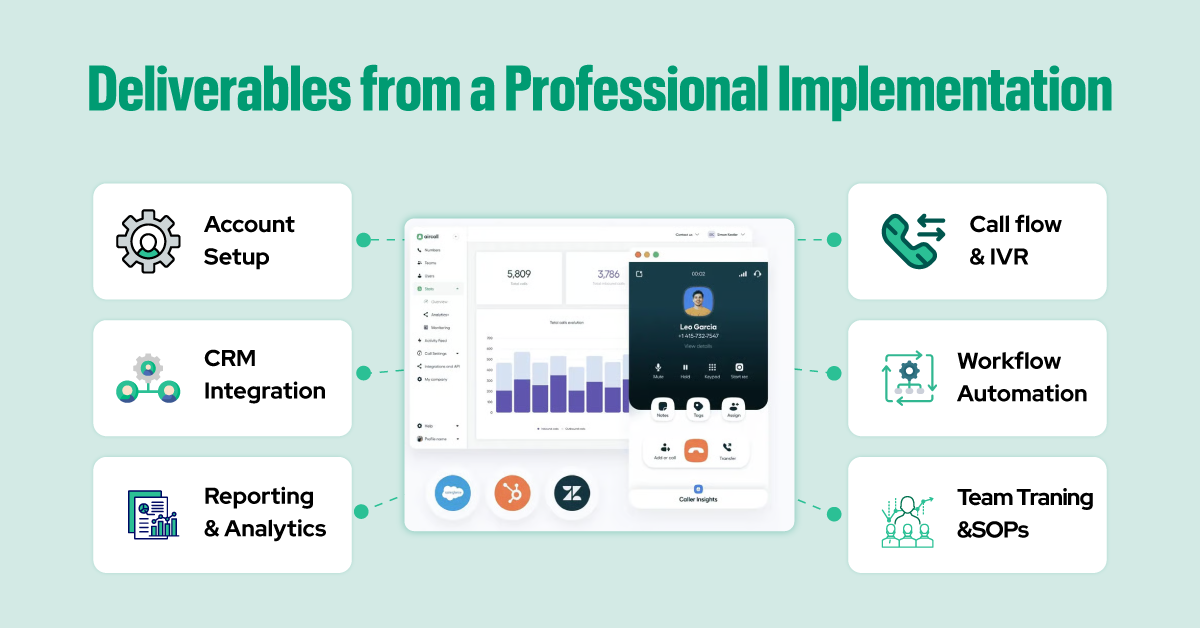
Aircall Account Setup and Configuration
Before adding any advanced features, a consultant builds a clean foundation. At the foundation they will set up provisioning numbers, configuring users and teams, setting business hours, and establishing voicemail routing. The consultant checks everything before moving to call flows or integrations. If you are moving existing numbers over, the consultant handles the porting process and plans the switch to avoid dropped calls or downtime.
Call Flow and IVR Design
A good IVR sends people to the right place fast. It also makes your business look professional. A bad IVR frustrates callers in the first 30 seconds. A consultant builds call flows based on how your team actually works and why people call. Not from a template. For complex needs, multi-level IVR menus give callers choices like “press 1 for sales, 2 for support.” Time-based routing changes what happens after hours, on holidays, or during lunch. Skills-based routing sends calls to the agent who knows the topic best. Overflow routing makes sure no call goes unanswered when your team gets busy. Every call flow gets drawn in a diagram before anyone builds it. You review and approve the logic first. No surprises.
A consultant designs call flows based on the business’s actual team structure and caller intent, not a template. A well-designed IVR routes callers efficiently and conveys professionalism.
The consultant sets up skills-based routing that sends calls to the agent or team best equipped to handle them. Also make sure to add the overflow routing that handles spikes without leaving calls unanswered.
For Example: in complex needs, multi-level IVR menus give callers choices like “press 1 for sales, 2 for support.” Time-based routing changes what happens after hours, on holidays, or during lunch.
The main goal is the process: every call flow is documented in a visual diagram before it is built, so the business can review and approve the routing logic before it goes live.
CRM and Tool Integration
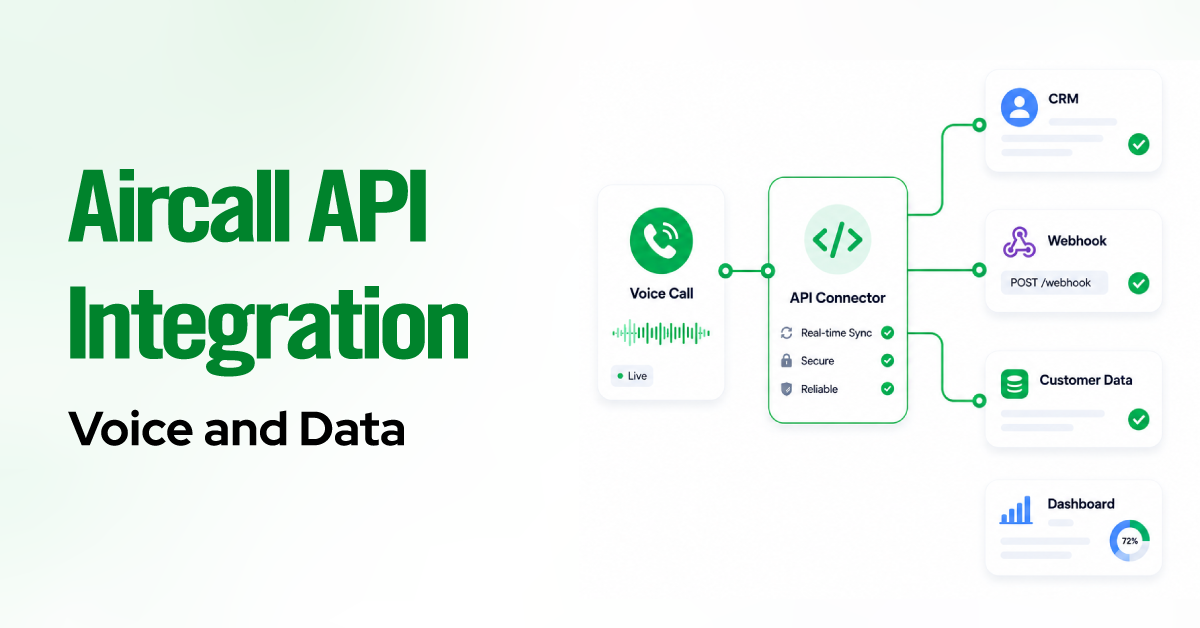
Your team already uses tools like HubSpot, Salesforce, Pipedrive, Zendesk, Intercom, or Zapier. A consultant connects Aircall to each one of these CRM or communication tools so that your calls, customer data, and workflows stay synced automatically. Every integration is configured around how your business already works.
After the integration, calls can log directly into your CRM, follow-up tasks can be created automatically, and pipeline stages can update based on call outcomes. For support teams, calls and recordings can attach to customer tickets and conversations. This make workflow more organized and automated.
Workflow Automation
The automation process will do all manual work after every call and cut out the manual work. A consultant sets rules based on how your team actually operates.
For example
- Missed call creates a callback task in the CRM, assigned to the agent who missed it, with the caller’s contact record linked
- Completed discovery call triggers a follow-up email sequence in your marketing automation platform
- Qualified call advances the deal to the next pipeline stage and notifies the account manager in Slack
- Support call closed as resolved triggers a satisfaction survey via email
- High-intent call tag routes the contact to a priority follow-up list for same-day outreach
A call tagged as “high intent” adds the contact to a priority list for same-day follow-up. Every rule gets written down. Your team knows what happens automatically and why.
Reporting and Analytics Setup
A consultant sets up dashboards inside Aircall including call volume by team, by agent, and by time period. You also see in-depth data about the connection rate, missed call rate, average handle time, and talk time trends.
Standard dashboards are like:
- Call volume by team, agent, and time period
- Connection rate and missed call rate by agent
- Average handle time and talk time trends
- Calls by source or campaign (when UTM data is available)
- Agent performance comparison
- Inbound call distribution by IVR selection
- CRM-side dashboards correlating call activity with pipeline movement
Team Training and SOPs
A perfect setup fails if your team does not know how to use it. A consultant training sessions tailored to each role agents, team leads, and administrators and record them for future reference.
Also, they help to write SOPs simple step-by-step guides. These cover how to tag a call, how to update a contact record, how to escalate an issue, and how to handle transfers. Clear SOPs mean every person does the same thing the same way. No bad data. No confused customers.
What a Properly Configured System Helps You Achieve
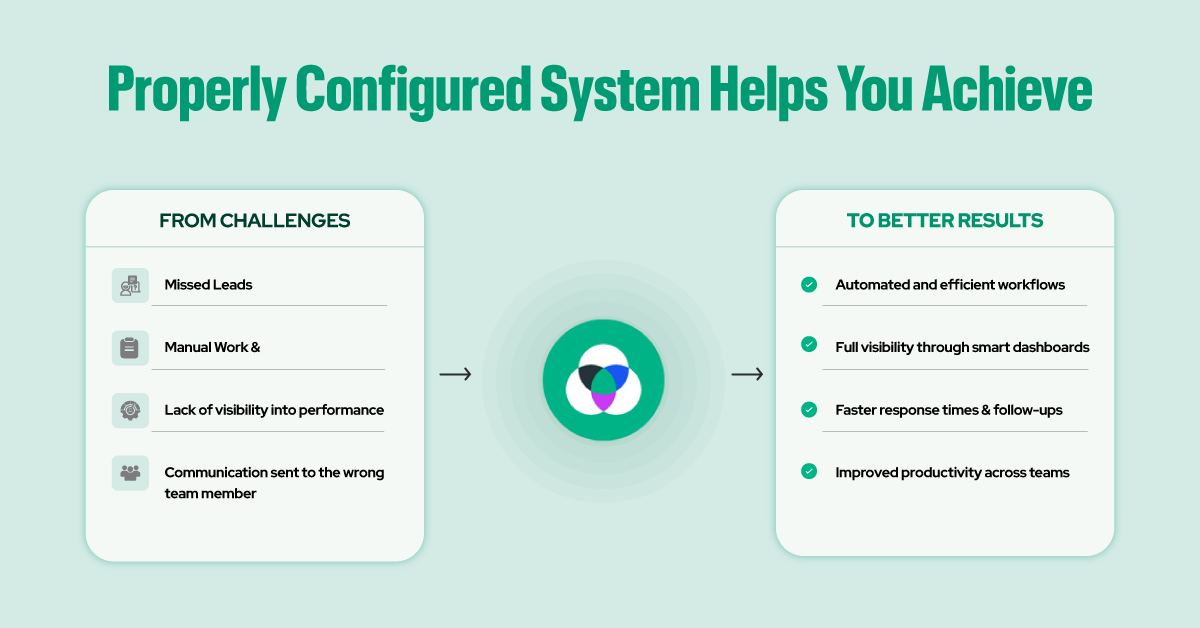
Aircall consulting transforms your phone system from a basic setup into a structured communication engine built for scale. Instead of relying on default configurations and manual workflows, your system becomes faster, cleaner, and more reliable across the entire organization.
With a properly implemented Aircall setup, you get:
- No more missed leads (Drop by 30% or more)
- No manual data entry into your CRM
- No slow response times from your team
- No blind spots in call performance
- Calls always route to the correct person
- Follow-ups and tags happen automatically
- A Complete report dashboards, shows you exactly what to improve.
- Higher efficiency across sales and support teams
This is what Aircall consulting delivers: an automated system, operational independence, and measurable outcomes.
Should You Configure Aircall Yourself or Work with a Consultant?
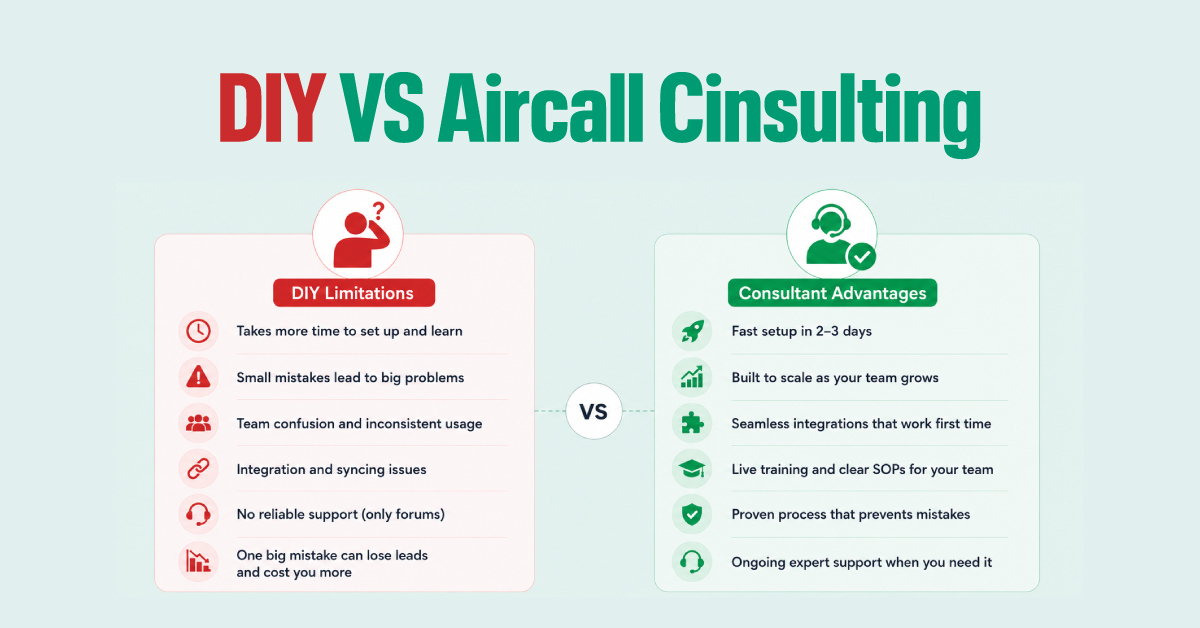
Both DIY and consulting work well. The right choice depends on your team, your time, and your goals. Each option fits a different type of business.
DIY Limitations
Self-configuration works well for small teams with straightforward requirements: a single queue, basic call routing, and a single CRM integration with no custom field mapping. But the cost here is time.
But small mistakes can creep into your setup without you noticing right away. For example, one wrong routing rule might send sales calls to your support team, and those lost leads may never call back. When you try to link Aircall to your CRM, a single field that does not map correctly can stop all your data from syncing for two weeks. You hand your team a login and a link, but no one knows how to tag calls or transfer properly, so they end up guessing on every call.
You might spend ten hours fixing what you broke, and that is ten hours away from selling to customers or serving your clients. When something fails, you have no one to call except online forums where strangers try to help. DIY works very well for very small teams, but one big mistake can lose customers and erase the money you saved by not hiring a consultant.
Consultant Advantages
A consulting engagement makes sense when:
- You have multiple teams with different routing requirements
- Your CRM integration requires custom field mapping or non-standard configurations
- You need workflow automation that connects Aircall to tools beyond a single CRM
- You are migrating from another phone system and need to manage number porting and cutover
- Your team does not have time to absorb a significant learning curve during setup
- You need reporting that goes beyond Aircall’s default dashboards
DIY saves you money upfront. Consulting saves you lost leads and wasted hours. Both are good paths. Pick what fits your time, budget, and needs.
How to Choose the Right Aircall Consultant
The right consultant will be the official partner of aircall. An Official aircall partner has experience in cloud telephony, CRM integrations (such as Salesforce or HubSpot) and workflow automation to ensure your setup is in line with your sales and support goals.
Also, a consultant is able to assist with services ranging from starting with your company by providing onboarding and configuring to providing complex development of API integrations, along with training your team.
Axis Consulting is listed in the Aircall partner directory. We have implemented Aircall for sales teams, support operations, and multi-location businesses across professional services, financial services, and high-volume outbound environments.
Final Thought
Aircall is powerful but can be complex if it is not set up and integrated properly. Consulting turns it into a tool that helps you sell and support better. You can save time, organize your workflow, and stop losing leads. Hire an expert to get everything configured the right way from the start.