
Aircall and HubSpot are a top-tier combination for modern sales teams, support representatives, and RevOps managers seeking to enhance productivity, visibility, and follow-up efficiency. But to unlock the full power of this cloud phone system and CRM integration, you need a clean, structured setup that ensures your call data flows into HubSpot exactly where and how you need it.
Essentials for a Seamless Aircall + HubSpot Integration
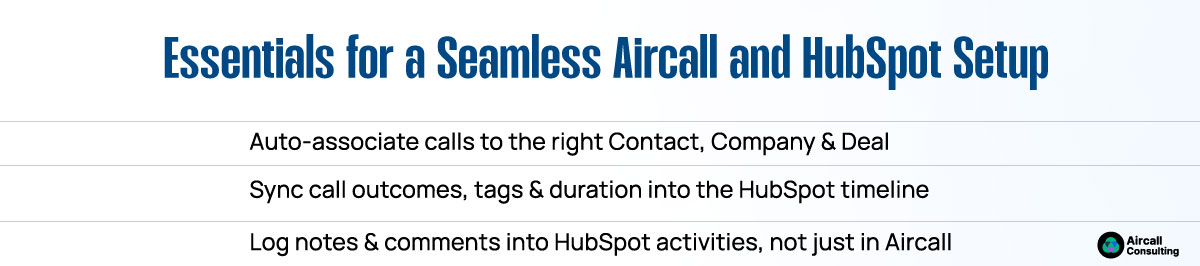
To avoid reporting issues and disjointed workflows, ensure these best practices are in place:
- Auto-associate Aircall calls with the correct HubSpot contacts, companies, and deals based on phone number matching
- Sync call outcomes, dispositions, Aircall tags, and call duration directly into HubSpot activity timelines
- Log call notes and comments in the HubSpot activity feed instead of keeping them siloed in Aircall
These steps ensure that every call, voicemail, or missed interaction is trackable across your sales pipeline, customer journey, or support ticketing workflows.

Best Practices to Optimize Integration
Take your setup a step further with these innovative enhancements:
- Create custom properties in HubSpot such as “Aircall Outcome,” “Call Source,” or “Call Priority” to support segmentation, filtering, and reporting.
- Build automated workflows in HubSpot, e.g., “If call outcome = Missed, create a follow-up task + send a personalized email from the assigned sales rep.”
- Exclude test or internal phone numbers from call logging and analytics to maintain clean reports and accurate conversion data.
These tweaks allow your team to improve sales enablement, enhance call tracking, and reduce time wasted on manual tasks.
Supercharge Productivity with the Aircall Chrome Extension
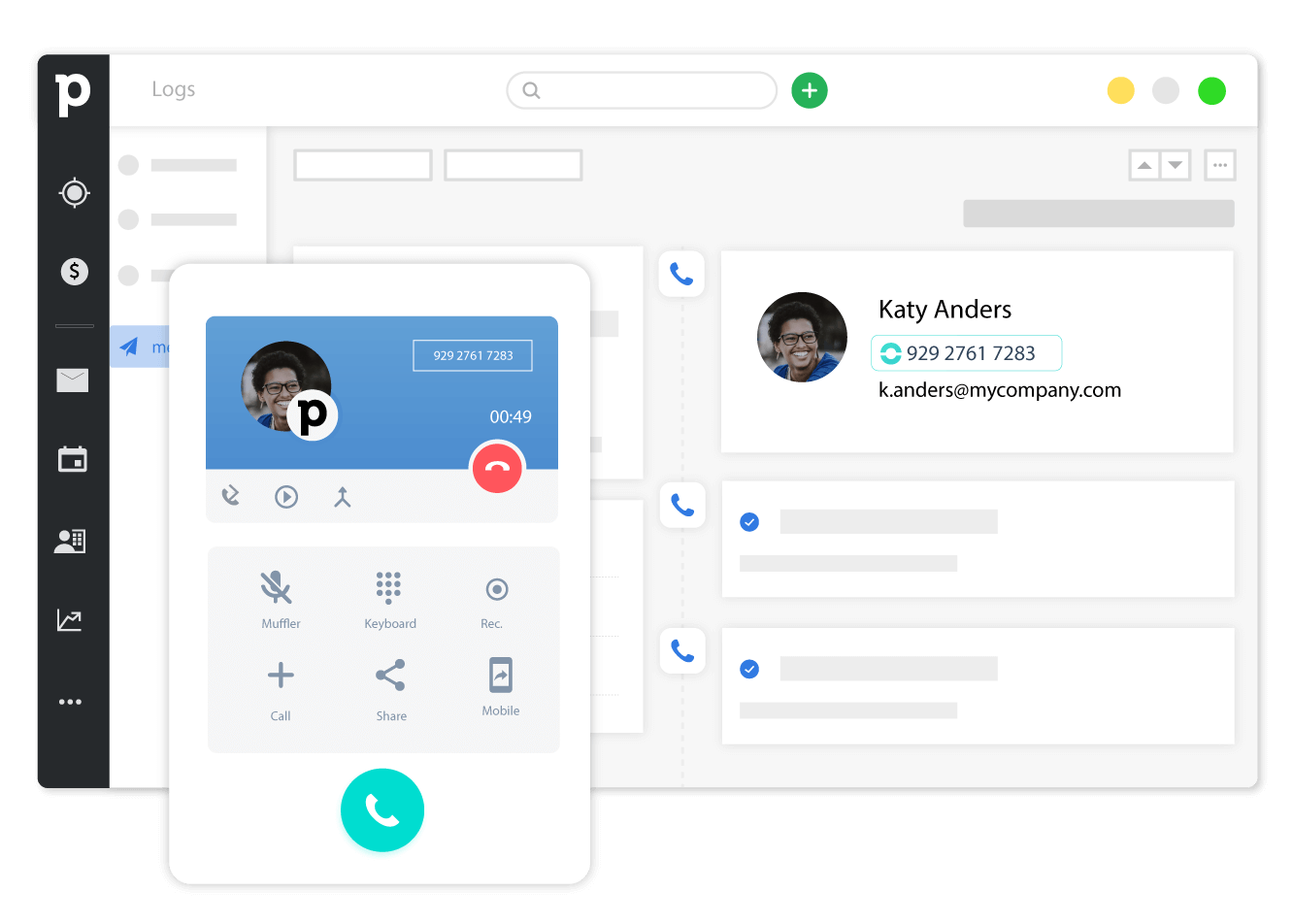
Enable your team to click-to-call directly from HubSpot contact records by using the Aircall Chrome Extension. This browser-based feature enables sales and support representatives to make calls without switching tabs or applications, thereby boosting response time and overall efficiency. It also ensures all call metadata is logged consistently in the right place.