Sign up for a FREE trial here

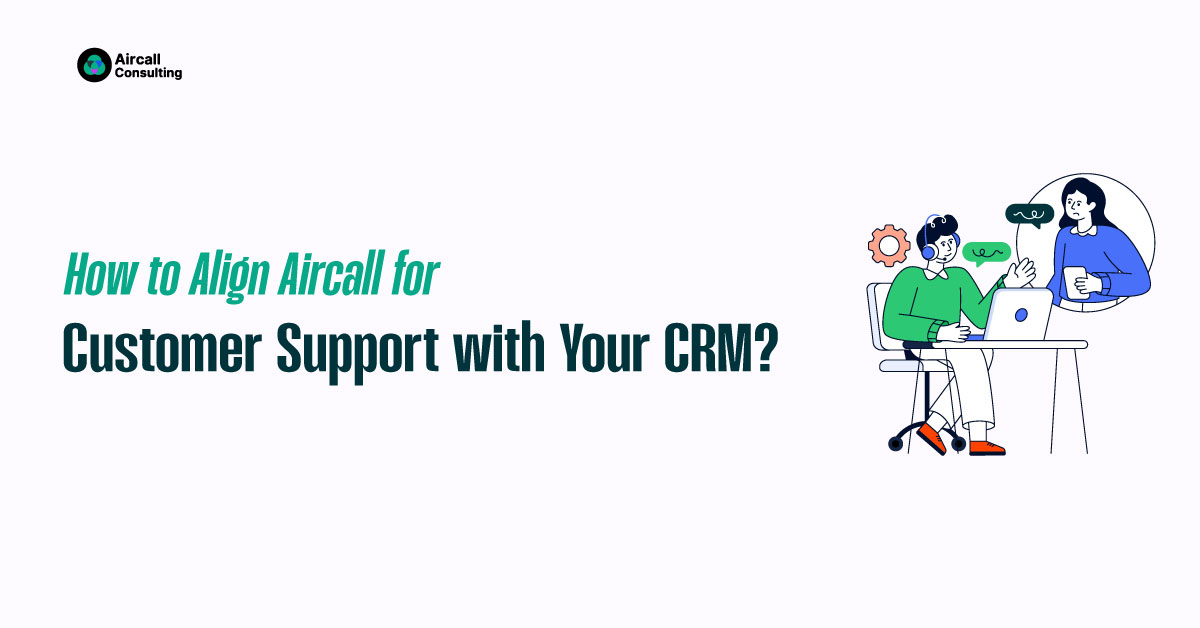
How to Align Aircall for Customer Support with Your CRM?

I hope you enjoyed this post. If you’d like our team to set up, optimize, or integrate Aircall for you, Book a call
How to Align Aircall for Customer Support with Your CRM
Table of Contents

Aircall isn’t just a sales tool it’s a powerful asset for customer support teams handling technical issues, billing inquiries, onboarding, and account management. However, to make Aircall work effectively for customer experience (CX), your CRM system needs to be aligned to support support-centric workflows, not just sales.

When appropriately configured, Aircall + CRM integration can help CS teams reduce resolution times, enhance retention efforts, and boost customer satisfaction.

Align Your CRM for Customer Support Use Cases
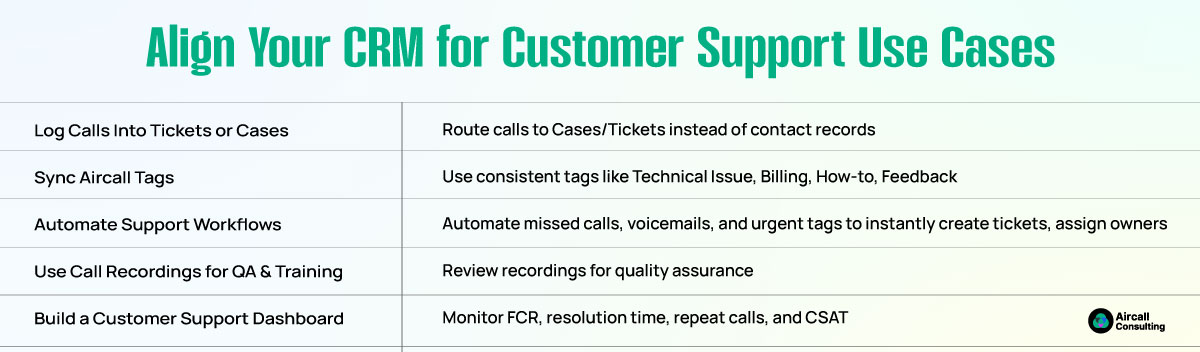
Align Your CRM for Customer Support Use Cases

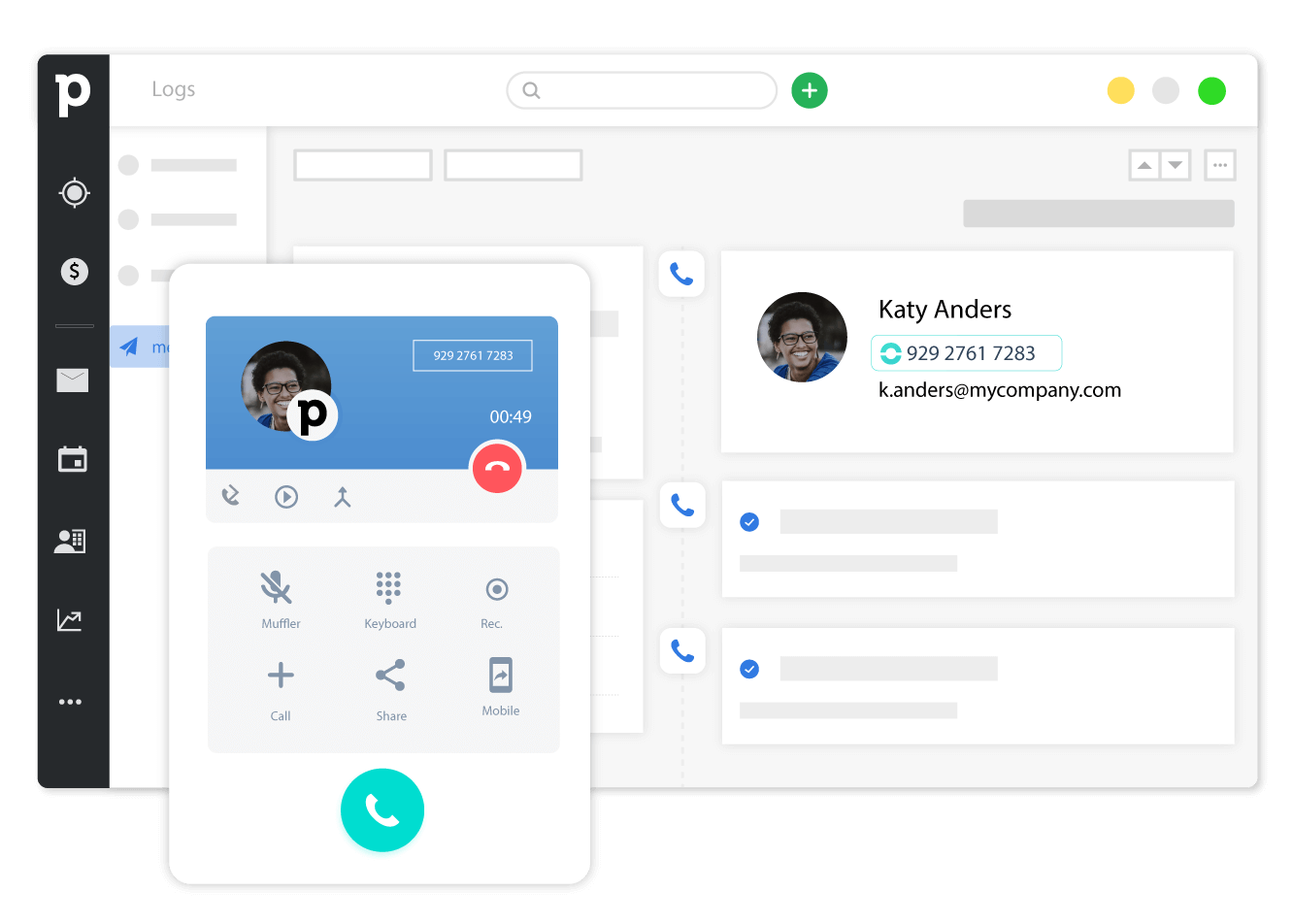
1. Log Support Calls to Tickets or Cases

Instead of logging calls under the contact record (which is more sales-centric), route them to the Case (Salesforce) or Ticket (HubSpot, Zendesk) object. This ensures every support interaction is traceable, prioritized, and linked to a resolution path.

2. Sync Aircall Tags to Support Categories

Create a library of Aircall tags like:

More Conversations. More Revenue. Less Chaos with Aircall.

Aircall Setup & Routing – We configure numbers, IVRs, queues, and business hours so every call lands with the right rep.

Smart Integrations – Deep sync with HubSpot, Salesforce, Zendesk & Slack; automatic logging, screen pops, and click-to-call.

Clean Workflows – Reduce transfers and handle time with skill-based routing, warm transfers, and call tags that drive reports.

QA & Analytics  – Dashboards, call scoring, and coaching loops so leaders can improve conversion and CSAT with data.

Training & Change Management  – Playbooks and team enablement so your Aircall rollout sticks from day one.

  • “Technical Issue”
  • “Billing Question”
  • “How-to Support”
  • “Product Feedback”

Sync these tags to your CRM’s ticket type, making it easier to segment, report, and accurately triage cases.

3. Automate Follow-Up Workflows

Trigger CRM workflows such as:

  • Missed call → Auto-create high-priority ticket
  • Voicemail left → Assign to account manager
  • Urgent tag → Slack alert for CS team lead

This reduces manual handling and improves response speed.

4. Use Call Recordings for QA & Training

Leverage Aircall’s call recording and playback tools to conduct quality assurance, track compliance, and train new support reps on real scenarios.

5. Build a Customer Support Dashboard

Track key metrics like:

  • First call resolution rate
  • Average resolution time
  • Repeat call volume
  • CSAT score (from post-call surveys)

Use these to measure and improve overall support efficiency and customer retention.

Why Does it Matter?

When your CS team uses Aircall with proper CRM alignment, you transform from a reactive support team to a proactive retention engine. You’ll reduce time-to-resolution, create a clearer picture of customer pain points, and empower agents to act faster with better data at their fingertips.

Frequently Asked Questions

Can Aircall be used by customer support teams?

Yes. Aircall supports CS functions like onboarding, troubleshooting, and retention by integrating with CRMs to manage tickets and cases.

Should support calls be logged under contacts or cases?

Log them under Case or Ticket objects in your CRM for better resolution tracking, assignment, and reporting.

How can I categorize support calls?

Use Aircall tags such as “Technical Issue” or “Billing Question,” and sync them to your CRM’s ticket types for accurate classification.

Can I automate follow-ups after missed calls?

Yes. Use CRM workflows triggered by missed calls to automatically create tickets, assign tasks, or send follow-up alerts.

How do I measure CS performance with Aircall?

Build dashboards that track resolution time, repeat calls, first-call resolution, and CSAT scores to measure team efficiency and customer satisfaction.
Share

Let’s Drive Results
Together

Recently Published

Work with an Aircall Consultant to Route Smarter, Grow Faster

Get in touch for a quick and easy answer.

This field is hidden when viewing the form

Work with an Aircall Consultant to Route Smarter, Grow Faster

Get in touch for a quick and easy answer.

This field is hidden when viewing the form